

With the advancement in technology, the growth in the components of a computer both in the quality and functionality have been drastically increased. The GPUs have evolved over time to the extent that they are now playing a vital role in bringing revolutionizing changes in many fields like gaming, machine learning, and many more. Before anything, we discuss we must have a basic idea of what GPU exactly is? It is a processor that is designed and specializes in accelerating graphics rendering to boost the user’s experience. It has the benefit of either being integrated with our system or if not then it can be offered as an individual special unit.
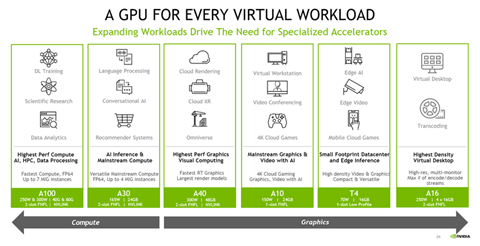
Fig. Link: https://tadviser.com/images/thumb/b/ba/GPUall78r5786585943.png/840px-GPUall78r5786585943.png
As the GPUs have become one of the most important components, the market for the same is getting more competitive. The manufacturers are constantly evolving their products. The research of 2009 tells us that at that time there were three major market share leaders for GPU namely Intel, AMD, and Nvidia. But the latest research says that the entire market is controlled by Nvidia and AMD. They have an impressive contribution of 66% and 33% market shares respectively. Most modern GPUs use transistors for calculations that involve 3D graphics, and they do include the ability for basic 2D acceleration and frame buff.
GPU in coexistence with CPU:
The CPU and GPU collaborate to enhance data throughput and the number of parallel calculations in an algorithm. GPUs were initially intended to create images for computer graphics and gaming purposes, but beginning in the early 2010s, GPUs were frequently utilized to speed up calculations needing massive amounts of data. A G(raphic) P(rocessing) U(nit) augments CPU architecture by permitting mundane computations inside an algorithm to be done in parallel whereas the primary program is running on the CPU.
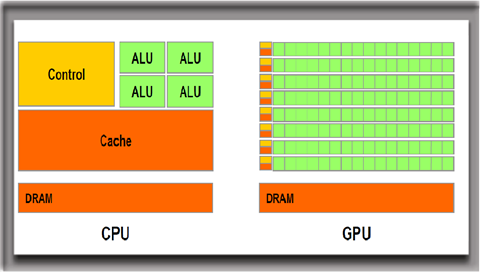
The CPU serves as the system’s commander, coordinating a large variety of general-purpose computing activities, while the G(raphic) P(rocessing) U(nit) performs a smaller series of much more specialized duties. While C(entral) P(rocessing) U(nit)s have steadily improved achievement through engineered improvements, higher clock rates, and core inclusion, G(raphic) P(rocessing) U(nit)s are especially intended to increased graphics applications. While choosing a system to buy understanding the functionality of G(raphic) P(rocessing) U(nit) and C(entral) P(rocessing) U(nit) could help a lot in decision making.
GPU vs Graphics Card:
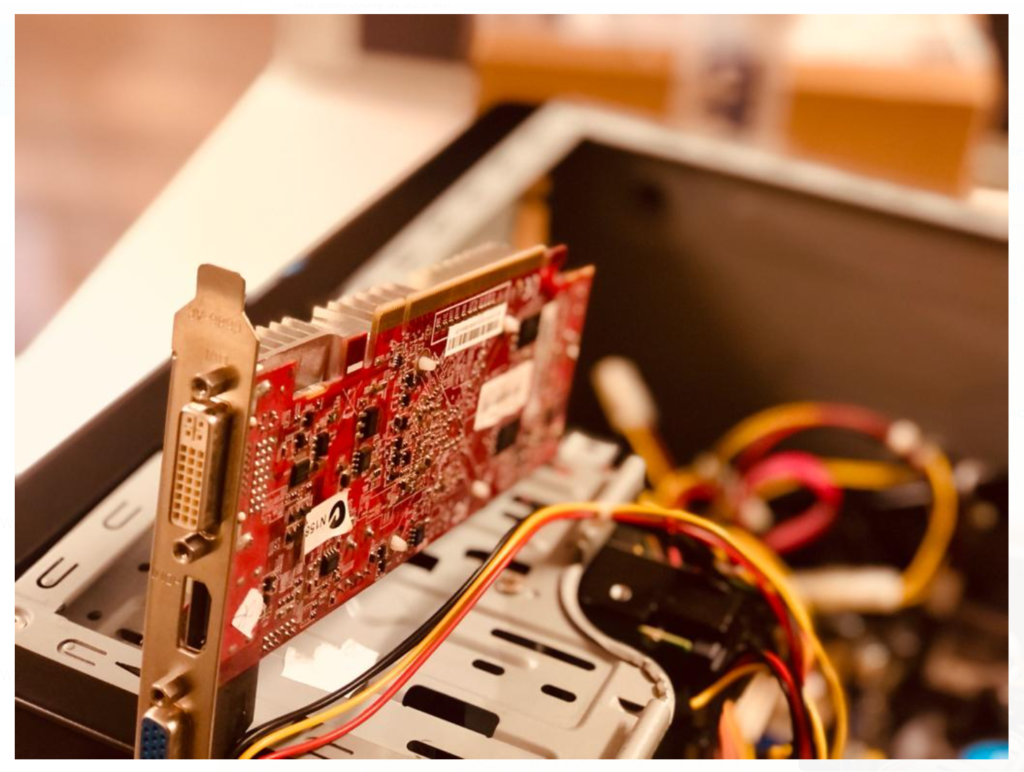
GPU and graphic cards might seem the same but are different components. Just like CPU is to the motherboard the graphic card is to GPU. The graphic card contains all the necessary components required for the GPU to function and establish the connection between itself and the system. GPUs are of two basic types that is one that is embedded with the CPU named integrated and the other that is mounted externally in the form of a chip named Discrete GPU. Now let us discuss more about the types of GPUs.
Integrated GPU:
The number of integrated GPUs is higher than the discrete. A CPU with a completely integrated GPU on the motherboard is the integrated GPU and it is recommended for light systems like the ones you don’t use for heavy gaming or video editing. In short, the system doesn’t need much graphical processing is mounted with the integrated GPU.
Discrete GPU:
The system built for professional gaming or video editing uses a discrete GPU. The discrete GPU gives higher graphical processing making the system heavyweight and can withstand many high-level processes that is not possible with integrated GPUs. This has its drawback as well like high cost, more power consumption than the integrated system but due to the benefits, it offers these drawbacks can be overlooked.
Use of GPUs:
Until recently, G(raphics) P(rocessing) U(nit)s were mostly used to hasten applications that required real-time 3rd Dimensional graphics. The real potential of GPU was revealed with subsequent advancements, and as a consequence, GPU is now being employed to address the world’s most demanding computing issues. This awareness of the GPU’s capabilities has resulted in its adoption for broader applications as well. Graphics technology is now being applied to a wider range of challenges. Today’s G(raphics) P(rocessing) U(nit)s are more versatile than they ever were, allowing them to hasten a variety of applications beyond standard graphics rendering. Let us know if you want to go through the applications in greater detail.
GPUs in gaming:
Gaming is one of the most growing industries nowadays. With the real-world creation and character build in any of the modern games, we can predict the role of GPUs. With the advancement of display technologies like 4k screens and higher refresh rates the requirements of the GPUs increase. Even with the growing gaming industry, virtual reality gaming requires high graphic rendering for both 2D and 3D. The enhanced graphics in any game makes a big difference and impact in the user experience as the rise or the fall of the game in the market.
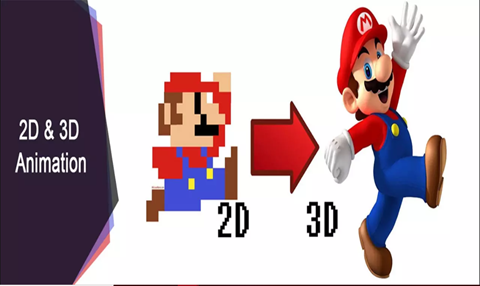
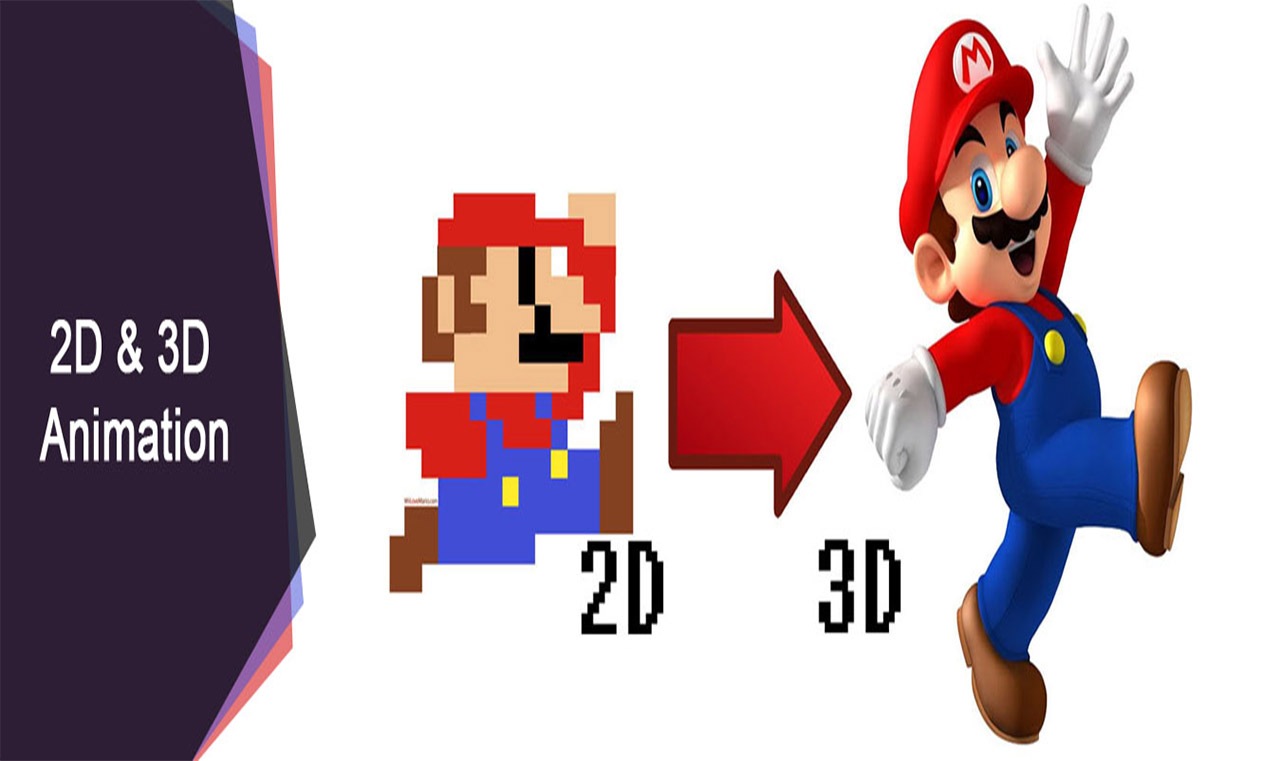
Fig. Link: https://kreatetechnologies.com/wp-content/uploads/2018/05/2d-3d-animation-banner.jpg
The image above shows the difference that the 2D and 3D rendering have and clarifies the need for a better GPU.
GPUs for video editing:
In the earlier time, it was very struggling for the video editors with contributing a long time to create a perfect creative flow. But presently with the growth in GPU technology advancements, parallel processing of the video is possible that makes it rendering and provides high-definition graphic formats that are fast as well as easy to handle.
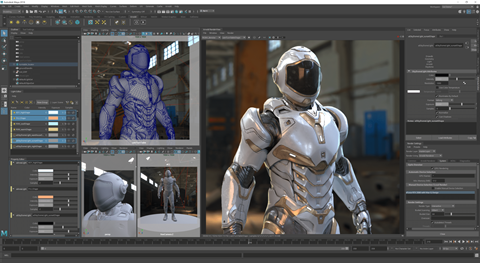
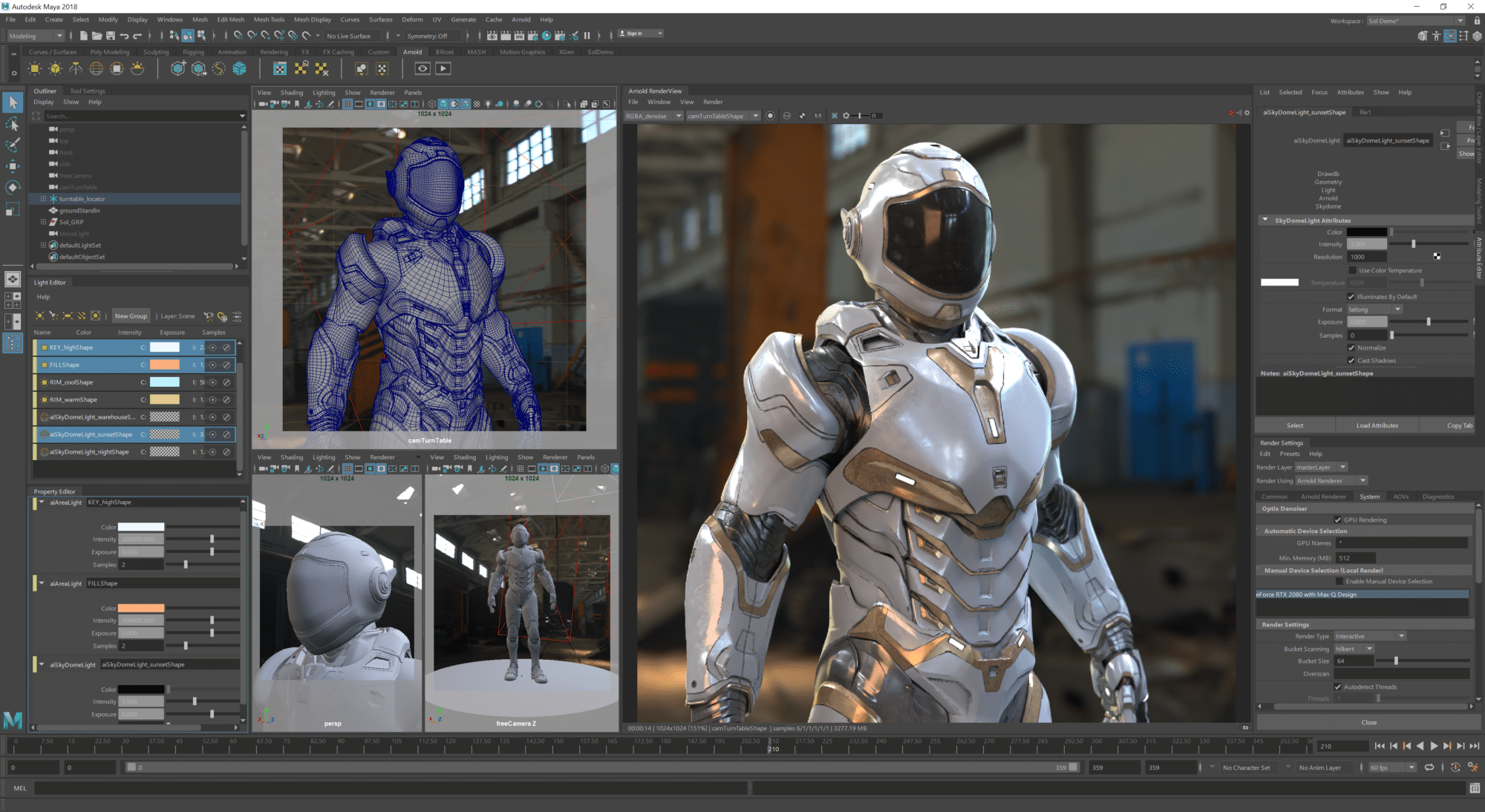
Fig. Link: https://blogs.nvidia.com/wp-content/uploads/2019/01/ArnoldSolGPUUI.png
The image above shows the power and potential the GPU creates in video editing. The encoding and decoding of a video are also performed by the GPU. Previously, the video editing software has completely relied on the CPU but even with all the features, the CPU provides there is still no comparison between the two. The GPU is still better for video editing.
GPU in Machine Learning:
Topics like AI and machine learning are already exciting but with the involvement of G(raphic) P(rocessing) U(nit) technology, it becomes more exciting than ever. The G(raphic) P(rocessing) U(nit)s have a tremendous amount of processing capacity, and they may provide remarkable output in workloads that benefit from G(raphic) P(rocessing) U(nit)s highly parallel nature like image recognition. Many of the deep learning technologies are now using G(raphic) P(rocessing) U(nit) technologies in concurrence with the CPU.